A pin-up board for your DAW project files

The Song Is is a visual project browser for FL Studio and Ableton Live.

Free & open source · View source on GitHub

Don't want to subscribe? Compile it yourself or run the script directly.

Subscribing…
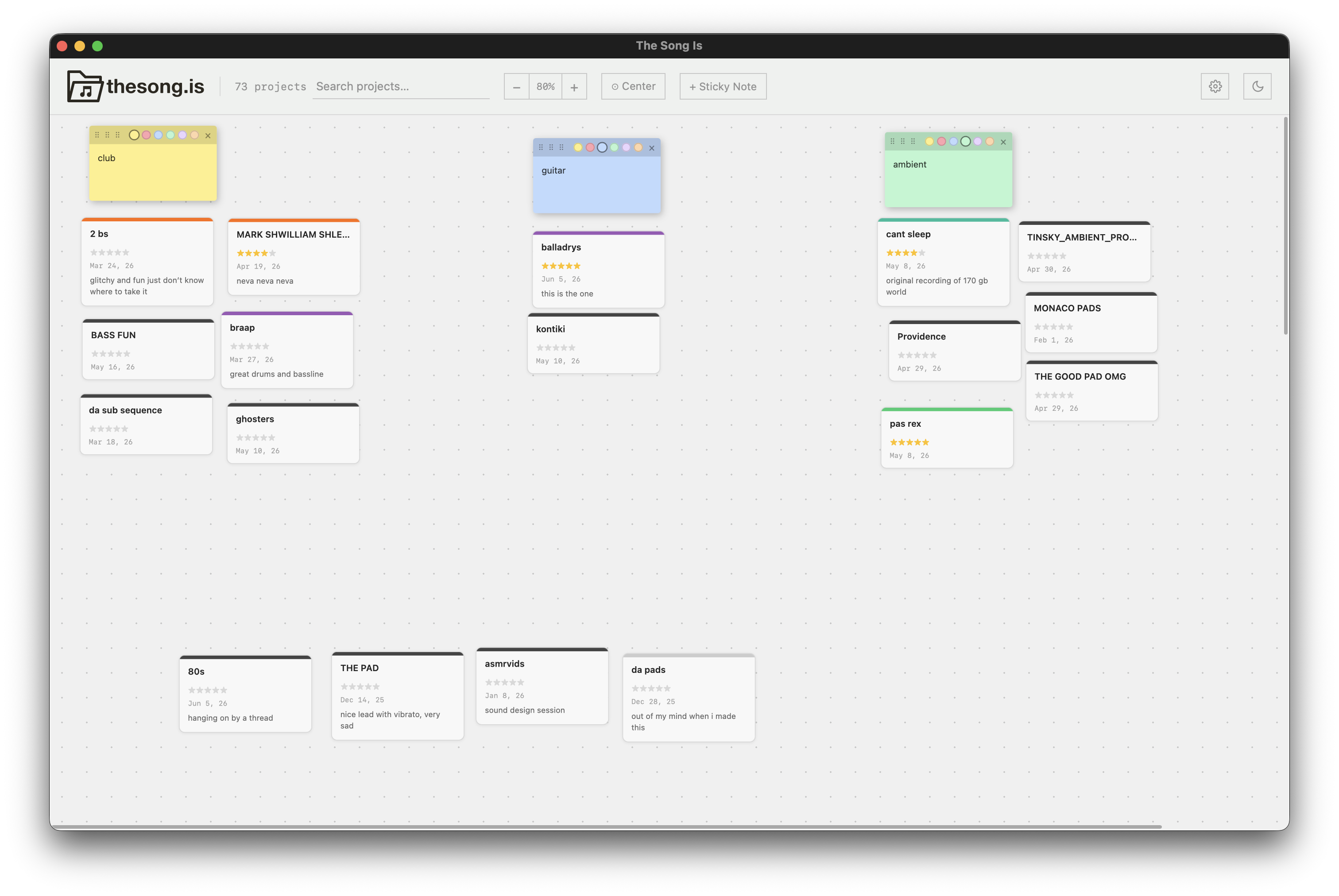
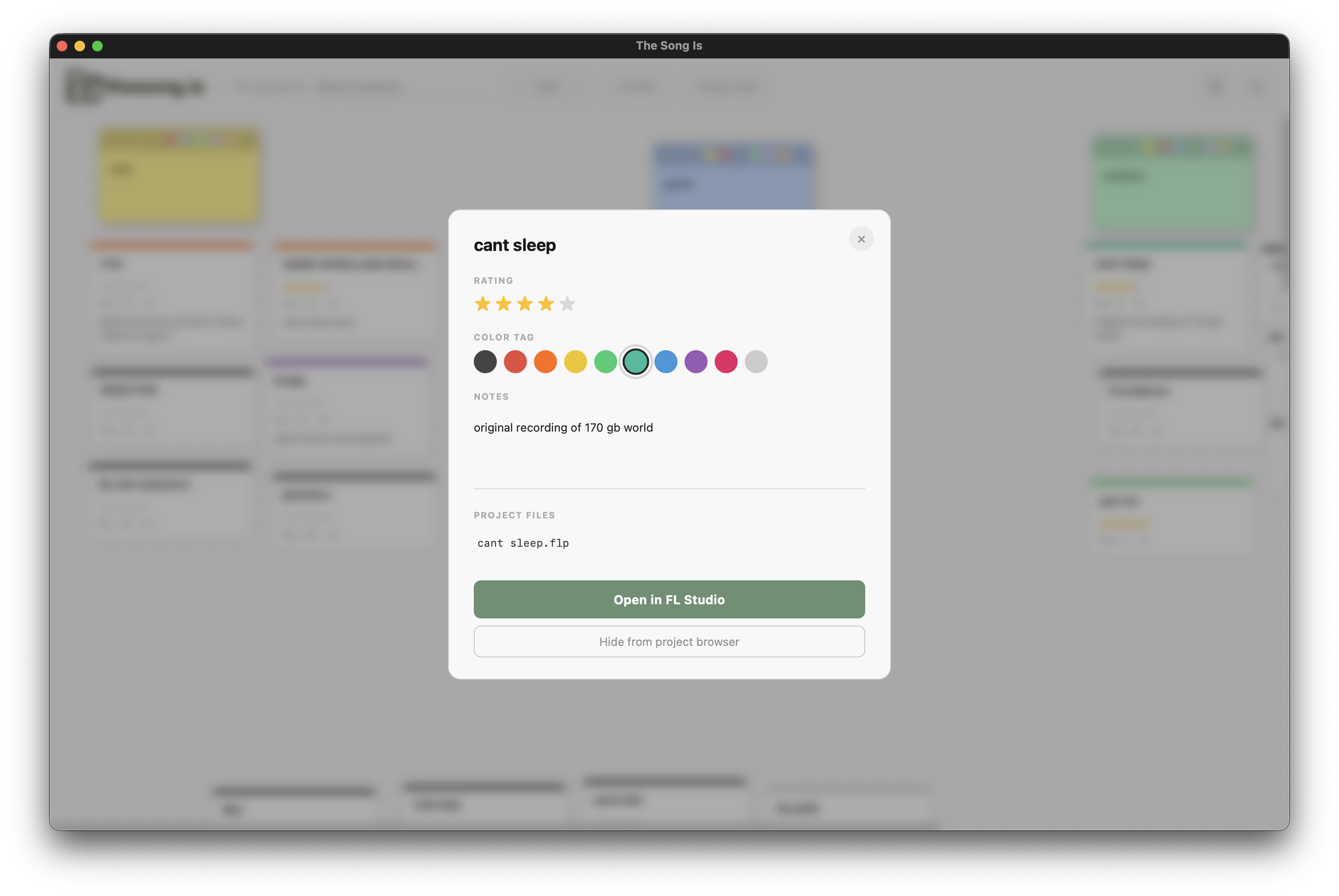
The Song Is — canvas view The Song Is — project detail

Features

How to use

1

Download the app

Enter your email above to download the app, or build it yourself via the source code. Follow the instructions to install.

2

Pick your DAW and projects folder

On first launch, select FL Studio or Ableton Live, then point the app at your projects folder. You only have to do this at first startup.

3

Browse and organise

Each subfolder with a .flp or .als file appears as a card, first organised in a default grid. Drag, rate, tag, annotate. Click a project to open it in your DAW.

Privacy & Safety

The Song Is is designed to run as a lightweight app used to open your project files.

FAQ

macOS says "The Song Is cannot be opened because the developer cannot be verified."

Right-click (or Control-click) the app → OpenOpen. You only need to do this once.

Windows SmartScreen says the app is unrecognised.

Click More infoRun anyway. Once only.

Where is my data stored?

Mac: ~/Library/Application Support/The Song Is/data.json
Windows: %APPDATA%\The Song Is\data.json

Does it work with both FL Studio and Ableton at the same time?

Not currently. One DAW per installation. Switch any time in Settings.

Can I contribute or report a bug?

Yes, open an issue or pull request on GitHub.